

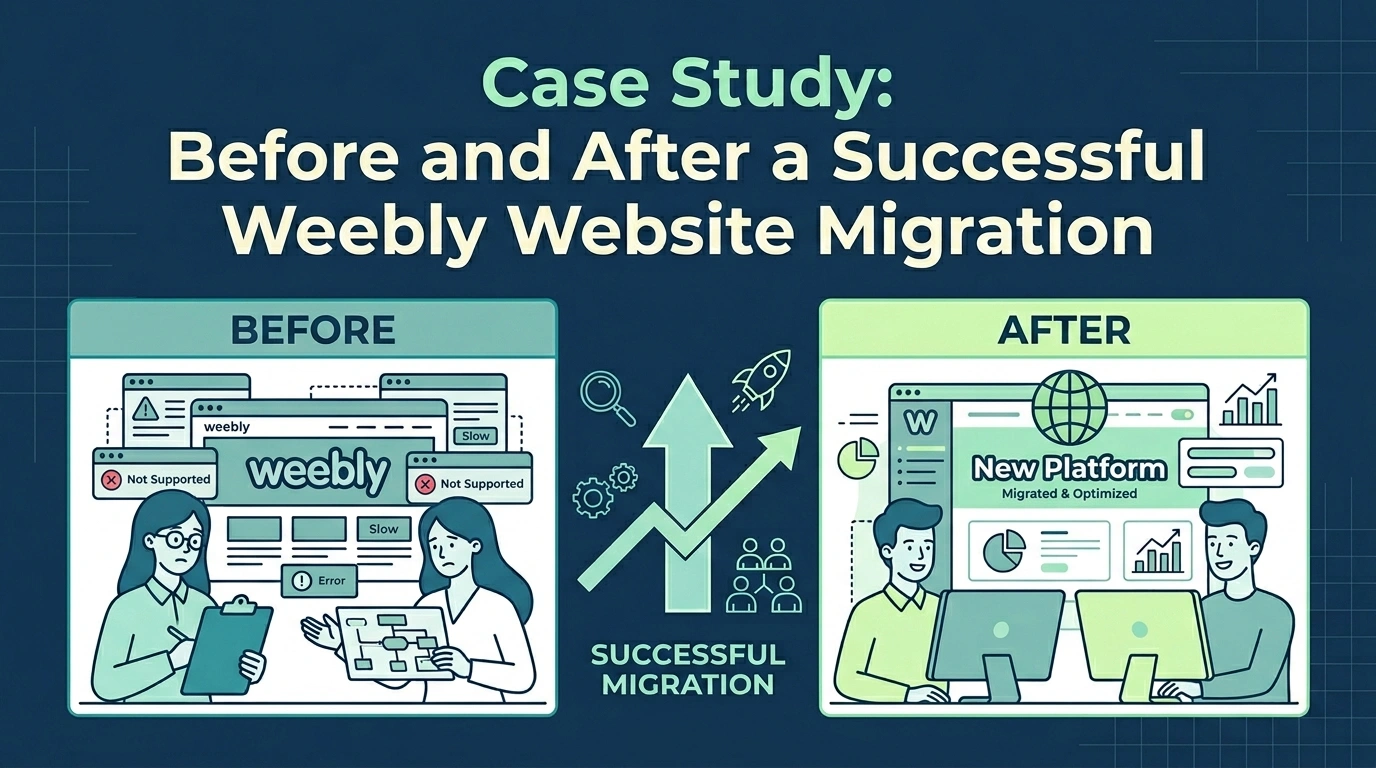
How a Growing Business Moved from Weebly to a More Scalable Platform Without Losing Traffic, Leads, or Search Rankings
If you’re considering moving your website away from Weebly, you’re probably asking the same questions many business owners ask before starting a migration:
- Will I lose my content?
- What happens to my SEO rankings?
- Will my website go offline?
- How long will the migration take?
- Is migrating really worth it?
The good news is that a well-planned migration can deliver significant improvements in website performance, search visibility, user experience, and business growth.
In this case study, we’ll walk through a real-world example of a successful Weebly website migration, from the initial challenges and planning stages to the launch of the new website and the results achieved afterward.
While some details have been modified to protect client privacy, the process, challenges, and outcomes reflect the types of projects we handle regularly.
Client Overview
Business Type
Residential landscaping and outdoor living services
Location
Multi-city service area in the United States
Company Size
12 employees
Original Platform
Weebly
New Platform
WordPress
Website Size
24 pages, 18 blog posts, 3 downloadable resources, and 2 lead generation forms
Primary Goals
- Improve search engine rankings
- Modernize website design
- Increase lead generation
- Create a scalable content marketing platform
- Improve mobile experience
- Gain more control over website functionality
The Challenge: Why the Client Outgrew Weebly
The client launched their Weebly website several years earlier when the business was much smaller.
At the time, Weebly provided everything they needed:
- A simple drag-and-drop editor for their non-technical team
- Affordable pricing
- Basic website functionality
- Easy content updates
However, as the business expanded, the website began creating obstacles instead of opportunities.
The client encountered several challenges.
Limited SEO Capabilities
The company relied heavily on organic search traffic, but they found it difficult to implement more advanced SEO strategies within Weebly.
They wanted greater control over:
- Page optimization
- Technical SEO settings
- Structured data
- llms.txt implementation for AI systems
- Redirect management
The limitations made it difficult to compete effectively in local search results.
Design Restrictions
Over time, the business evolved, but the website design remained largely unchanged.
The client wanted:
- A more modern appearance
- Better mobile responsiveness
- Stronger calls to action
- Improved navigation
- Enhanced service pages
They felt constrained by Weebly’s design options.
Difficulty Scaling Content
Content marketing had become a key part of their growth strategy.
However, managing blog content within Weebly became increasingly challenging.
They needed:
- Better content organization
- Improved category management
- Enhanced SEO tools
- Greater publishing flexibility
Limited Integrations
The business had begun using additional marketing tools, including:
- Structured customers account for both individual and organizations
- CRM software
- Secured uploads and better file sharing
- Analytics tools
- Scheduling software
Integrating these systems with Weebly required workarounds and manual processes.
Why the Client Chose WordPress
After evaluating several platforms, including Wix, Squarespace, Webflow, and others, the client selected WordPress.
The decision was based on several factors:
- Greater flexibility
- Stronger SEO capabilities
- Unlimited scalability
- Better blogging tools
- Extensive plugin ecosystem
- More design freedom
Most importantly, WordPress provided a long-term solution capable of supporting the company’s future growth.
The Migration Goals
Before beginning the project, we established clear objectives.
The migration needed to:
- Preserve all existing content
- Maintain search rankings
- Avoid website downtime
- Improve page speed
- Enhance mobile usability
- Modernize the design
- Improve lead generation
- Simplify content management
Having clear goals ensured every migration decision aligned with business outcomes.
Read Also:
Weebly Website Migration – What You Need to Know: The Complete Step-by-Step Guide
The Migration Process
We followed our proven seven-step migration process.
Step 1: Website Audit and Discovery
We conducted a complete audit of the existing Weebly website.
This included reviewing:
- All pages
- Blog posts
- Images
- Forms
- Downloadable resources
- Navigation structure
- Existing SEO settings
We also identified:
- Top-performing pages
- High-traffic blog posts
- Existing keywords
- Conversion paths
This audit served as the blueprint for the migration.
Step 2: Migration Planning
Next, we created a detailed migration plan.
The plan included:
- Content inventory
- URL mapping
- Redirect strategy
- SEO preservation checklist
- Design recommendations
- Timeline and milestones
Careful planning helped minimize risk and avoid surprises later in the project.
Step 3: WordPress Setup
We prepared the new WordPress environment by:
- Configuring hosting
- Installing WordPress
- Setting up security tools
- Configuring backups
- Installing SEO plugins
- Creating content structures
We also established a staging environment to ensure the website could be developed and tested without affecting the live Weebly website.
Step 4: Content Migration
We transferred all website content, including:
- Service pages
- Blog articles
- Images
- Downloadable files
- Forms
Content was reviewed individually to ensure formatting, readability, and accuracy.
During this phase, we also improved:
- Heading structures
- Internal links
- Calls to action
Step 5: Design Recreation and Enhancement
Rather than simply replicating the old design, we used migration as an opportunity to improve the user experience.
Enhancements included:
- Cleaner layouts
- Stronger visual hierarchy
- Improved mobile responsiveness
- Better navigation
- Faster page loading
- More prominent contact options
The new website maintained the client’s brand identity while delivering a more modern and professional appearance.
Step 6: SEO Preservation
Protecting search visibility was a top priority.
We implemented:
- URL redirects
- Meta title migration
- Meta description migration
- Image optimization
- XML sitemap generation
- Internal linking improvements
- Structured data enhancements
Every existing URL was mapped carefully to prevent broken links and preserve ranking signals.
Step 7: Testing and Launch
Before launch, we conducted extensive testing.
We verified:
- Mobile responsiveness
- Form functionality
- Browser compatibility
- Navigation
- Page speed
- Redirects
- Analytics tracking
Only after all checks were completed did we connect the domain and launch the new website.
The migration was completed with no noticeable downtime.
Read Also:
Should You Rebuild or Move Your Existing Weebly Website?
The Results: Before and After
Within the first few months after launch, the client experienced measurable improvements across multiple areas.
Website Performance
Before Migration
- Slow page loading speeds
- Inconsistent mobile experience
- Limited optimization capabilities
After Migration
- Faster loading pages
- Improved mobile performance
- Better Core Web Vitals scores
Visitors experienced a noticeably smoother browsing experience.
Search Engine Visibility
Before Migration
- Limited SEO control
- Difficulty optimizing content
- Restricted technical SEO options
After Migration
- Improved keyword rankings
- Better indexing
- Increased organic visibility
- Stronger local search performance
The client maintained existing rankings and began seeing additional growth opportunities within months.
Lead Generation
Before Migration
- Basic contact forms
- Limited calls to action
- Lower conversion rates
After Migration
- Improved form placement
- Enhanced service pages
- Stronger user journeys
- Better conversion tracking
The business began generating more inquiries through the website.
Content Management
Before Migration
- Limited blogging capabilities
- Difficult content organization
- Restricted flexibility
After Migration
- Easier content publishing
- Better blog management
- Improved workflow efficiency
The marketing team could now update and expand the website more efficiently.
Key Lessons Learned
Every migration project reinforces several important principles.
Planning Is Everything
The success of a migration depends heavily on preparation.
A thorough audit and clear migration strategy prevent many common issues.
SEO Should Never Be an Afterthought
Search visibility can represent years of investment.
SEO preservation must be integrated into every stage of the migration process.
Migration Is an Opportunity for Improvement
A website migration should not focus solely on moving content.
It should also improve:
- User experience
- Design
- Performance
- Conversion rates
The best migrations leave businesses with websites that perform better than before.
Testing Prevents Problems
Extensive quality assurance before launch helps ensure a smooth transition.
Testing every page, form, and functionality element minimizes risk.
Is It Time to Move Your Weebly Website?
If your current website feels limiting, difficult to manage, or unable to support your business goals, migration may be the right next step.
Common signs you’ve outgrown Weebly include:
- Difficulty updating the website
- Limited SEO capabilities
- Outdated design
- Slow performance
- Limited integrations
- Growing content needs
- Expanding ecommerce requirements
A successful migration can help transform your website from a limitation into a growth asset.
Read Also:
When Is the Right Time to Migrate Your Website from Weebly?
Why Work with a Professional Migration Team?
Migrating a website involves far more than copying content from one platform to another.
Professional migration services help ensure:
- Content preservation
- SEO protection
- Minimal downtime
- Secure handling of data
- Accurate functionality recreation
- Comprehensive testing
- Smooth launch execution
Most importantly, expert support allows you to focus on running your business while experienced specialists handle the technical details.
See Pricing // Schedule a Consultation
Final Thoughts
This case study demonstrates that moving from Weebly to another platform doesn’t have to be stressful or risky.
With careful planning, a structured migration process, and the right expertise, businesses can successfully transition to a more powerful platform while preserving everything they’ve built.
The result is a website that is faster, more flexible, easier to manage, and better equipped to support future growth.
Ready to Move Your Weebly Website?
Our team specializes in migrating Weebly websites to WordPress, Squarespace, Wix, Webflow, Shopify, Duda, and other modern platforms.
We handle the entire process from planning and setup to migration, launch, and post-launch support—making your transition smooth, secure, and stress-free.
Search the Blog
Categories
Tags
Related Posts
Migrate your Weebly website for as low as:
$599
- Expert Migration
- SEO Preserved
- Zero Downtime
- 30-Day Support
No spam. Unsubscribe anytime.