

When you first launched your website, Weebly was probably the perfect choice.
It was easy to use, affordable, and allowed you to get online quickly without needing technical skills.
For many small businesses, freelancers, bloggers, and online store owners, Weebly is an excellent starting point.
But as your business grows, your website needs often change.
The platform that helped you launch may eventually start holding you back.
The challenge is that many website owners don’t realize they’ve outgrown Weebly until they’re already losing opportunities.
If you’ve found yourself saying things like:
- “I wish I could customize this more.”
- “Why can’t I do that in Weebly?”
- “My competitor’s website seems much more advanced.”
- “I’m not getting as much visits to my website.”
- “My website is not bringing in much businesses.”
- “Months and years after, my SEO performance is still far from impressive.”
- “I think my website is getting too big for Weebly.”
- “I feel stuck.”
- etc.
Then this article is for you.
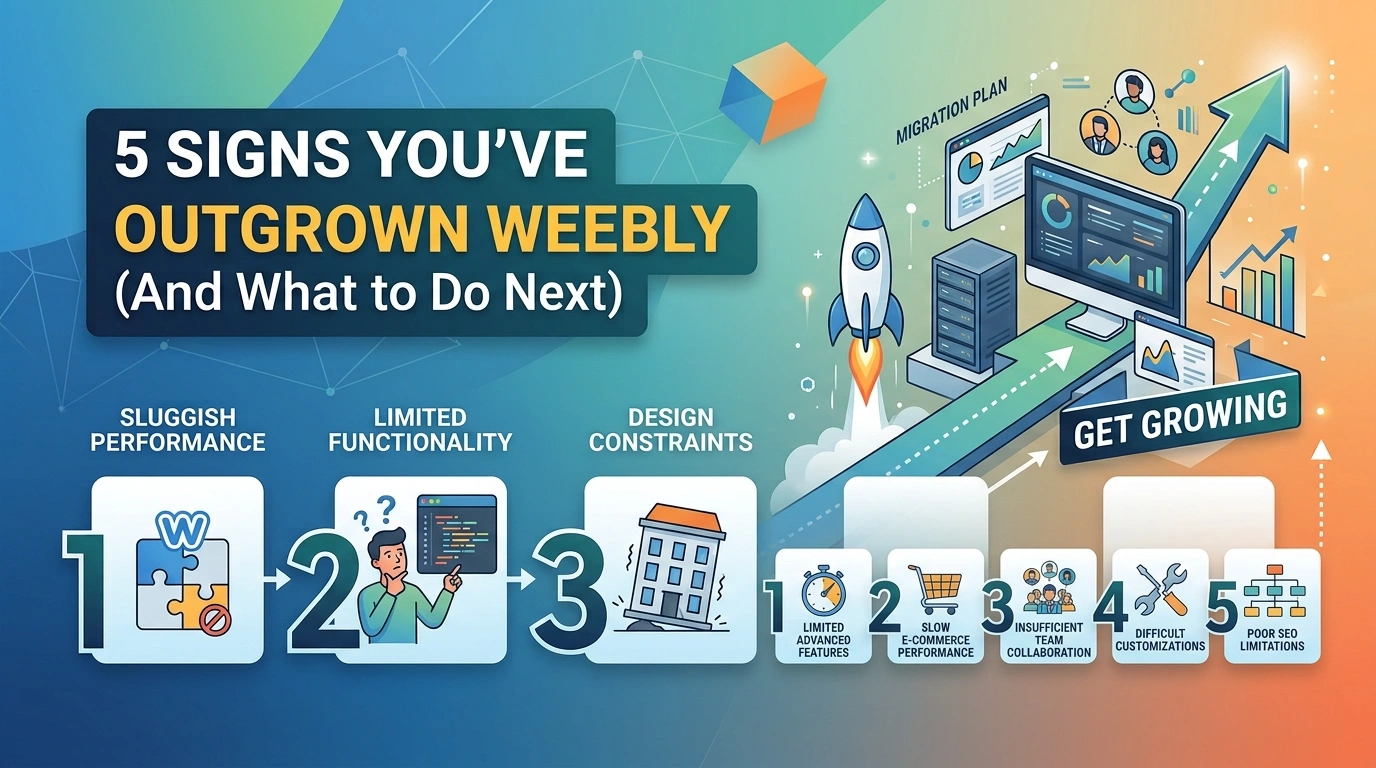
Let’s look at the five biggest signs you’ve outgrown Weebly and what you should consider doing next.
Why So Many Businesses Start With Weebly
Before discussing limitations, it’s important to acknowledge what Weebly does well.
Weebly remains one of the easiest website builders available.
It’s ideal for:
- New businesses
- Personal websites
- Portfolios
- Local service providers
- Small online stores
- Users with limited technical experience
The drag-and-drop editor makes website creation simple.
But simplicity often comes with trade-offs.
As your business grows, those trade-offs become more noticeable.
Sign #1: You Want More Control Over SEO
One of the most common reasons businesses move away from Weebly is SEO.
While Weebly includes basic SEO features, many growing businesses eventually want greater control.
You may have already encountered situations where you wanted to:
- Customize technical SEO settings
- Create advanced redirects
- Add complex schema markup
- Improve site architecture
- Manage large content libraries
- Use advanced SEO plugins
- Optimize category and tag pages
For small websites or websites not prioritizing SEO performance, Weebly’s SEO tools are often sufficient.
However, businesses focused on aggressive organic growth frequently find themselves limited.
Example
Imagine you’re publishing dozens of blog posts every month and investing heavily in content marketing.
Eventually, you’ll want:
- Advanced SEO auditing
- Automated optimization tools
- Better internal linking capabilities
- More control over indexing and crawling
Platforms like WordPress provide significantly more flexibility in these areas.
Ask Yourself
Are you spending more time working around platform limitations than actually improving your SEO?
If so, you’ve likely outgrown Weebly.
Sign #2: Your Website Needs More Advanced Features
Every business evolves.
What worked a year ago may not work today.
Many website owners start discovering they need features such as:
- Membership areas
- Learning management systems
- Customer portals
- Advanced booking systems
- Dynamic content
- Forums
- Multi-vendor marketplaces
- Complex forms
- Custom workflows
This is where many Weebly users hit a wall.
Because Weebly prioritizes simplicity, it doesn’t offer the same level of flexibility as platforms like WordPress.
The “Plugin Problem”
WordPress offers access to tens of thousands of plugins.
Need an appointment booking system?
There’s a plugin.
Need gated content?
There’s a plugin.
Need advanced analytics?
There’s a plugin.
Need CRM integration?
There’s a plugin.
When your website requirements become more sophisticated, platform flexibility becomes increasingly important.
Ask Yourself
Have you stopped implementing ideas because Weebly can’t support them?
That’s a strong sign you’ve outgrown the platform.
Read Also: Case Study: Before and After a Successful Weebly Website Migration
Sign #3: Your Online Store Is Becoming More Complex
Weebly’s ecommerce features are suitable for many small stores.
But growing ecommerce businesses often require more functionality.
Common challenges include:
- Large product catalogs
- Advanced filtering
- Subscription products
- Complex shipping rules
- Multi-currency support
- Wholesale pricing
- Advanced inventory management
- Product customization options
As your store expands, these limitations can impact sales and efficiency.
Example
A store with 20 products may work perfectly on Weebly.
A store with 2,000 products is a different story.
Larger ecommerce operations often need the flexibility provided by WooCommerce and WordPress.
Ask Yourself
Are ecommerce limitations preventing growth?
If the answer is yes, it may be time to consider a migration.
Sign #4: You’re Frustrated by Design Limitations
At first, Weebly’s templates can feel liberating.
Everything looks professional without requiring design experience.
However, many business owners eventually want more control over:
- Layouts
- User journeys
- Landing pages
- Conversion optimization
- Interactive elements
- Mobile experiences
- Custom functionality
You may find yourself repeatedly saying:
“I wish I could move that.”
Or:
“I wish I could customize this section.”
Over time, those frustrations add up.
Your Website Is Part of Your Brand
As businesses mature, branding becomes increasingly important.
You want your website to stand out—not look similar to dozens of others using the same template.
More customization means:
- Better branding
- Better user experiences
- Higher conversion rates
- Greater flexibility for future growth
Ask Yourself
Do you feel constrained by your website design?
If yes, Weebly may no longer be the right fit.
Sign #5: You’re Thinking More About Growth Than Simplicity
This is perhaps the biggest sign of all.
Weebly is built around simplicity.
WordPress is built around flexibility.
In the early stages of a business, simplicity is often the priority.
You just need a website.
As your business grows, priorities change.
You begin asking questions like:
- How can I generate more leads?
- How can I improve SEO?
- How can I automate processes?
- How can I improve conversions?
- How can I scale my website?
At that point, flexibility often becomes more valuable than simplicity.
The Website Growth Curve
Many businesses follow a predictable path:
Stage 1: Need a simple website
→ Choose Weebly
Stage 2: Business grows
→ Need more features
Stage 3: Website becomes a growth tool
→ Need more flexibility
If you’re in Stage 3, you’ve likely outgrown Weebly.
Offer: Curious about your website? Get a migration assessment from Move Weebly Site. Request Assessment
Should You Move to WordPress or Another Platform?
Not every website should leave Weebly.
If your website is:
- Small
- Simple
- Generating results
- Easy to manage
Then staying with Weebly may make perfect sense.
However, WordPress becomes attractive when:
- SEO is a major priority
- Your business is scaling
- You need advanced functionality
- Ecommerce is growing
- You want complete control
WordPress powers more than 40% of all websites for a reason.
It offers unparalleled flexibility and scalability.
Read Also:
Why You Should Move from Weebly to WordPress
The Biggest Concern: Losing SEO During Migration
Many business owners hesitate to migrate because they’re afraid of losing:
- Search rankings
- Organic traffic
- Content
- Customer data
- Product information
These concerns are completely valid.
Poorly executed migrations can damage years of SEO progress (see: Will I Lose SEO When Moving from Weebly?).
Common migration mistakes include:
- Missing redirects
- Broken links
- Lost metadata
- Missing pages
- URL changes
- Indexing issues
Fortunately, these risks can be minimized when migrations are planned correctly with pre-migration checklist.
Why Many Businesses Use a Professional Migration Service
Migrating a website isn’t just about moving content.
It’s about preserving everything you’ve built.
That includes:
- SEO authority
- Rankings
- Traffic
- Customer experience
- Ecommerce functionality
For businesses that rely on their website for leads or revenue, professional migration assistance is often the safest option.
Services such as Move Weebly Site specialize specifically in helping website owners move from Weebly to WordPress and other platforms while protecting SEO performance and preserving important website data.
Rather than trying to piece together a migration yourself, working with specialists can reduce risk, save time, and help ensure your website continues performing after the move.
How to Know If It’s Time to Move
You may be ready to leave Weebly if three or more of these statements are true:
✅ You want more SEO control.
✅ You need advanced website features.
✅ Your ecommerce store is growing rapidly.
✅ You’re frustrated by design limitations.
✅ Your website has become a critical growth tool.
If that sounds familiar, your website may have reached the point where other platforms offer a better long-term solution.
Final Thoughts
Weebly remains an excellent platform for many website owners.
But every platform has limitations.
The question isn’t whether Weebly is good.
The question is whether it’s still the right platform for your current goals.
If your business has grown beyond what Weebly comfortably supports, moving to WordPress can unlock new opportunities for:
- SEO growth
- Better design flexibility
- Advanced functionality
- Ecommerce expansion
- Long-term scalability
The key is ensuring the transition is handled correctly so you don’t lose the traffic, rankings, and authority you’ve worked hard to build.
When done properly, migrating from Weebly isn’t a setback.
It’s often the next step in your website’s growth journey.
Ready to Move Your Weebly Website?
Our team specializes in migrating Weebly websites to WordPress, Squarespace, Wix, Webflow, Shopify, Duda, and other modern platforms.
We handle the entire process from planning and setup to migration, launch, and post-launch support—making your transition smooth, secure, and stress-free.
Search the Blog
Categories
Tags
Related Posts
Migrate your Weebly website for as low as:
$599
- Expert Migration
- SEO Preserved
- Zero Downtime
- 30-Day Support
No spam. Unsubscribe anytime.